How to Sign In to the Saleo Extension and Saleo Portal
Last updated: September 16, 2026
Once your team is enabled for Saleo, you can sign in to Saleo in two areas.
Saleo Platform Portal
Saleo Chrome Extension
The same account is shared between both of these areas. Your team will be provided links to the Portal and the Chrome download by your Saleo Success team.
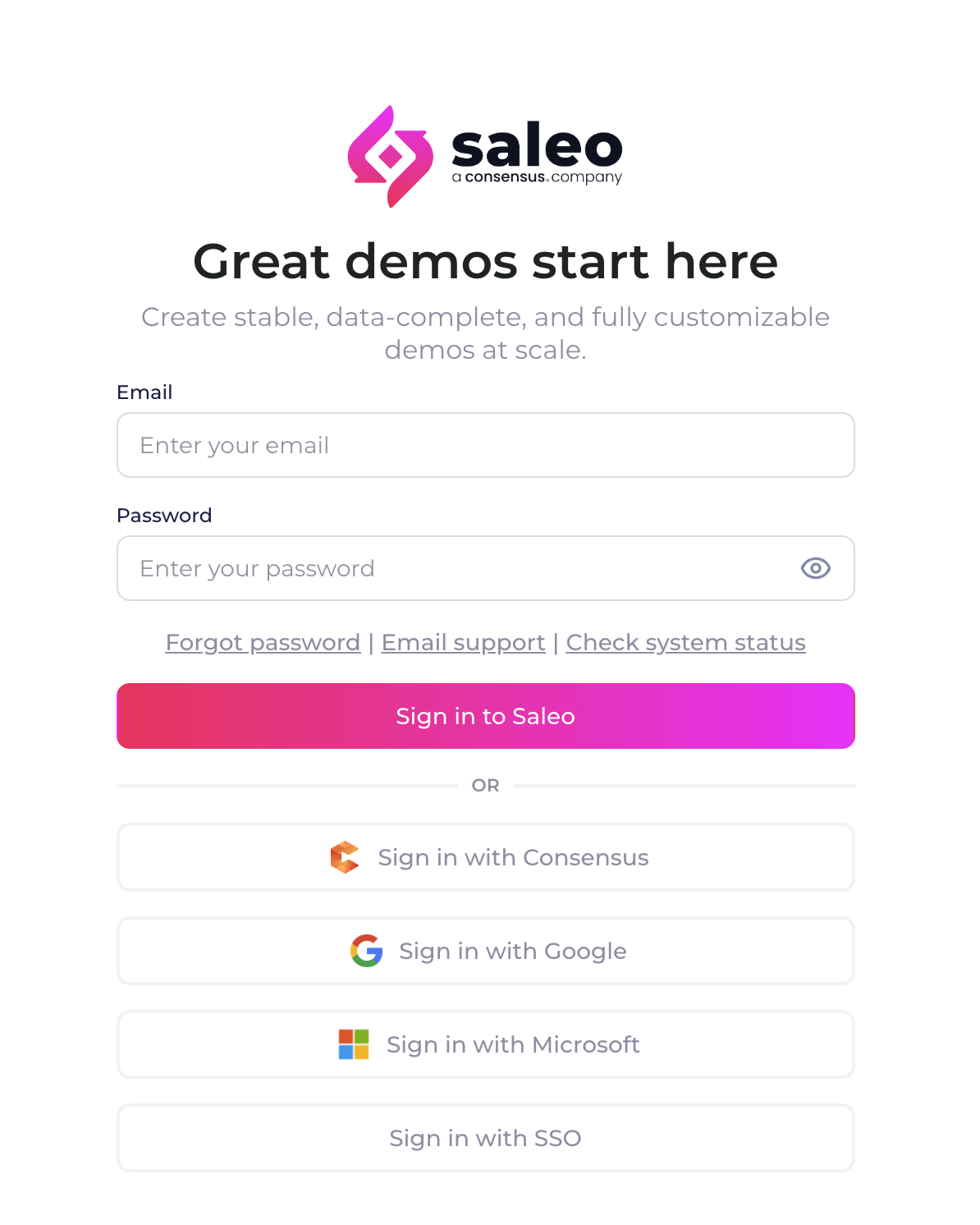
Supported Sign In Methods
Sign in with Consensus
Saleo now supports a shared login experience for customers of both Consensus and Saleo products! For more information see 📄 Use Sign in with Consensus for Saleo Portal and Extension
Email and Password
You can use a simple email and password to sign in. If you need to reset your password, use the forgot password link.
Single Sign-On
Saleo also supports a variety of SSO (Single Sign-On) and SAML methods for signing in. If your organization uses Google or Microsoft, these can be used with your company email.
In addition, if your organization enables an alternative SSO method, this is supported with the Sign in with SSO button. These can be to sign in with other apps used by your organization such as Okta or Microsoft Entra.
Your organization has the option to enforce a particular sign in method (Consensus or SSO). If you attempt to use a method not supported by your organization, you will receive a notice upon login to return and use the supported path.
For more information on setting up sign in methods with SAML or adding users with SCIM, see our article collection here: https://help.saleo.io/collections/3481894875-user_management_authentication
If you have any questions or need assistance, please reach our to your Saleo Success team or Support and we will be happy to help!