Use Sign in with Consensus for Saleo Portal and Extension
Last updated: September 16, 2026
If your team is using both the Saleo and Consensus products, you can now enjoy one seamless way to sign in!
Your Consensus user will be used as the point of entry for Saleo.
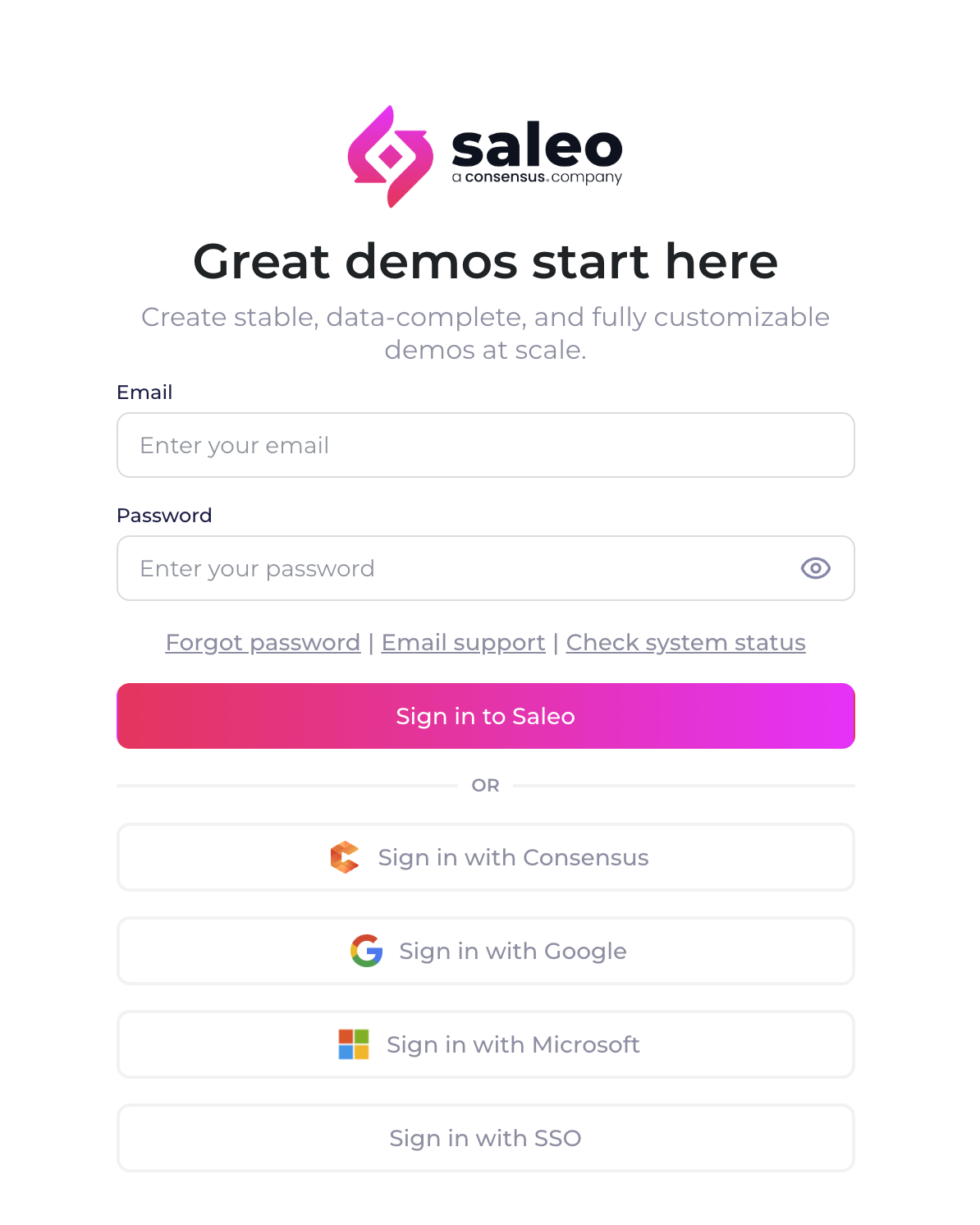
Once your team is enabled, you can use your existing Consensus login to access Live Products from three areas.
Consensus Portal
Saleo Chrome Extension
Saleo Platform Portal
How to Enable Sign in with Consensus for your Organization
Sign in with Consensus is available for customers who have purchased both Consensus Interact products as well as Live products (Saleo).
Consensus admin users: If you are an existing customer with both Saleo and Consensus (before Fall 2026) and you would like to use the new seamless login with Saleo, please reach out to your CSM for more details.
Consensus users: If your org is already enabled for Live Products and you would like to gain access for you user, please reach out to your Consensus admin team.
If you are a new customer to Consensus after Fall 2026, you will be able to experience seamless login to Live products right after onboarding!
How to Use Sign in with Consensus
From the Consensus Portal
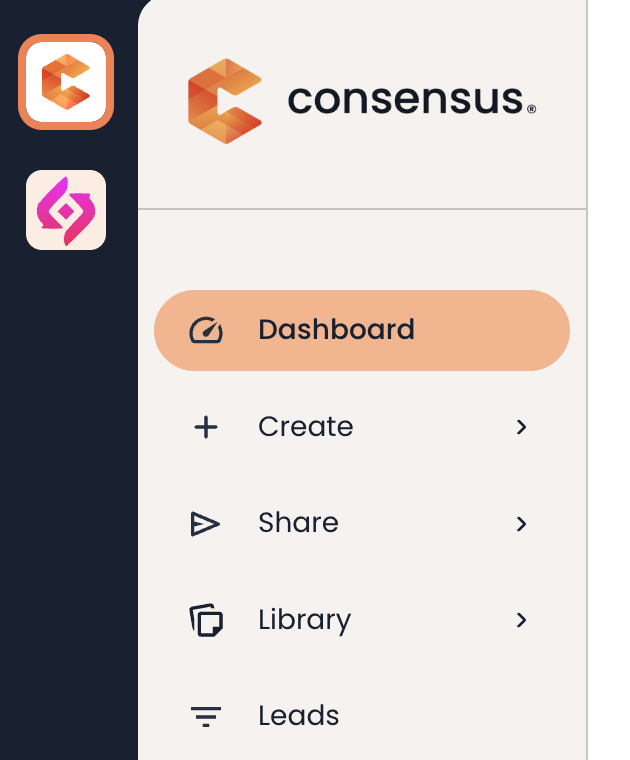
Once you sign into the Consensus Portal, if you have access you will see a Saleo logo in your navigation sidebar. Simply click here and you will be taken to the Saleo Platform Portal! Using this path will also automatically sign you into the Saleo extension once you open it!
From the Saleo Extension
If you not already signed in from the portal, in the extension use the Sign in with Consensus button. This will open the Consensus portal. If you are already logged in, you will be taken back to the tab with the extension and signed in. If you are not already logged in, you will prompted to Sign in to Consensus.
From the Saleo Portal
If you not already signed in from the Consensus portal and access the Saleo portal directly: use the Sign in with Consensus button. This will open the Consensus portal. If you are already logged in, you will be taken back to the tab with the Saleo portal and signed in. If you are not already logged in, you will prompted to Sign in to Consensus.
More Details about Sign in with Consensus
If your organization is using Sign in with Consensus for Saleo products, this is the only supported login method to Saleo. Other login methods are not supported for Saleo portal and extension. You can use any supported methods for signing in with your Consensus user, which then authenticates with Saleo.
All user management is handled via the Consensus portal. User management in the Saleo portal is only available for customers who were previously Saleo only, or who have not enabled shared login.
If you have any questions or need assistance, please reach our to your Saleo Success team or Support and we will be happy to help!